Real Photos vs AI Images
By the RandomObject.app Editorial Team · Published
Search for a random picture generator today and half the results are AI image tools: type a prompt, get a freshly synthesized image. They are genuinely useful — but "AI-generated" and "photograph of a real thing" fail in opposite ways, and the right choice depends on what you are doing: drawing, teaching vocabulary, or printing cards. This page compares the two honestly, including where AI wins.
1. Reference coherence — for drawing, real objects are drawable
A drawing reference has one job: show a coherent thing you can copy. Photographs of real objects pass that test by definition — the light is consistent, the proportions came from reality, and nothing melts at the edges. AI images are beautiful on first glance and treacherous on third: handles grow out of the wrong side, spokes multiply, text on labels turns to script. Copying those errors is how they end up in your drawing.
- Best for: sketchers and art students — a real photograph is a reference; an AI render is a style sample.
2. Vocabulary truth — kids and ESL learners need real referents
When a five-year-old flips a card labeled strawberry, the picture should be a strawberry — not a strawberry-shaped object with dreamlike shading. Real photos teach the actual appearance of actual things; AI images teach the model's average of them. For vocabulary games and early readers the stakes are small but cumulative, and the fix is free: use real pictures.
- Best for: parents and ESL teachers building word-image associations.
3. Licensing — what you can print, share, and ship
A random object site can tell you exactly where each photo came from: this site draws from CC0 and public-domain collections, and every photo's creator and license is listed on the image credits page. AI-generated images carry a murkier story — the training data's provenance is largely undocumented, and platform terms differ. If your cards are going on a classroom wall, a printable PDF, or anything you share publicly, a credited CC0 photo is the safer artifact.
- Best for: printable-card makers and anything distributed beyond your own screen.
4. Trust — verification you can check
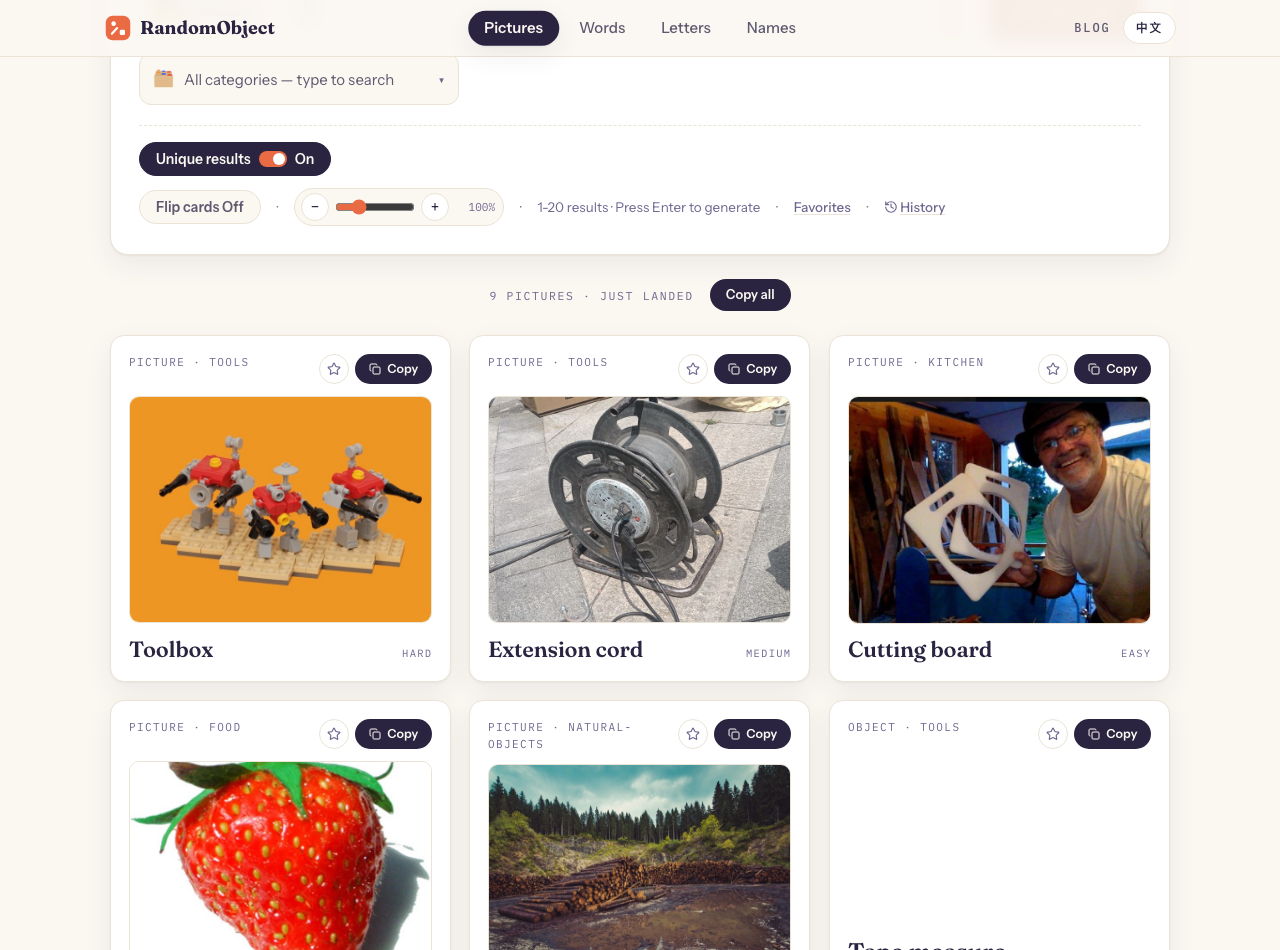
Anyone can look at a photo and verify it shows what it claims; that two-minute human check is the whole quality system. This site does exactly that: photos are fetched from open collections, a human compares each one to its object, and only verified images enter the picture pool — 219 objects have verified photographs today; the rest appear as honest word cards rather than wrong pictures. An AI pipeline has no equivalent check: the model's output cannot be verified against reality because there is no reality behind it.
- Best for: anyone who has ever been burned by a confidently wrong image.
5. Where AI images genuinely win
Honesty requires the other column. AI image generators are the right tool when you want: a subject that does not exist to photograph (a dragon playing chess), infinite novelty for abstract mood boards, or a style exploration at speed. For inspiration — where correctness does not matter — AI is fast and free-form. The failure mode only appears when the image needs to be true: a reference to copy, a word to learn, a card to print.
- Best for: fantasy prompts, mood boards, and anything deliberately unreal.
How this site's photos work
The pipeline is boring on purpose, which is the point:
- Fetch candidate photos from CC0 and public-domain collections (Openverse, Wikimedia Commons).
- A human compares each candidate against its object and marks it verified or rejected — 219 verified, 126 rejected so far.
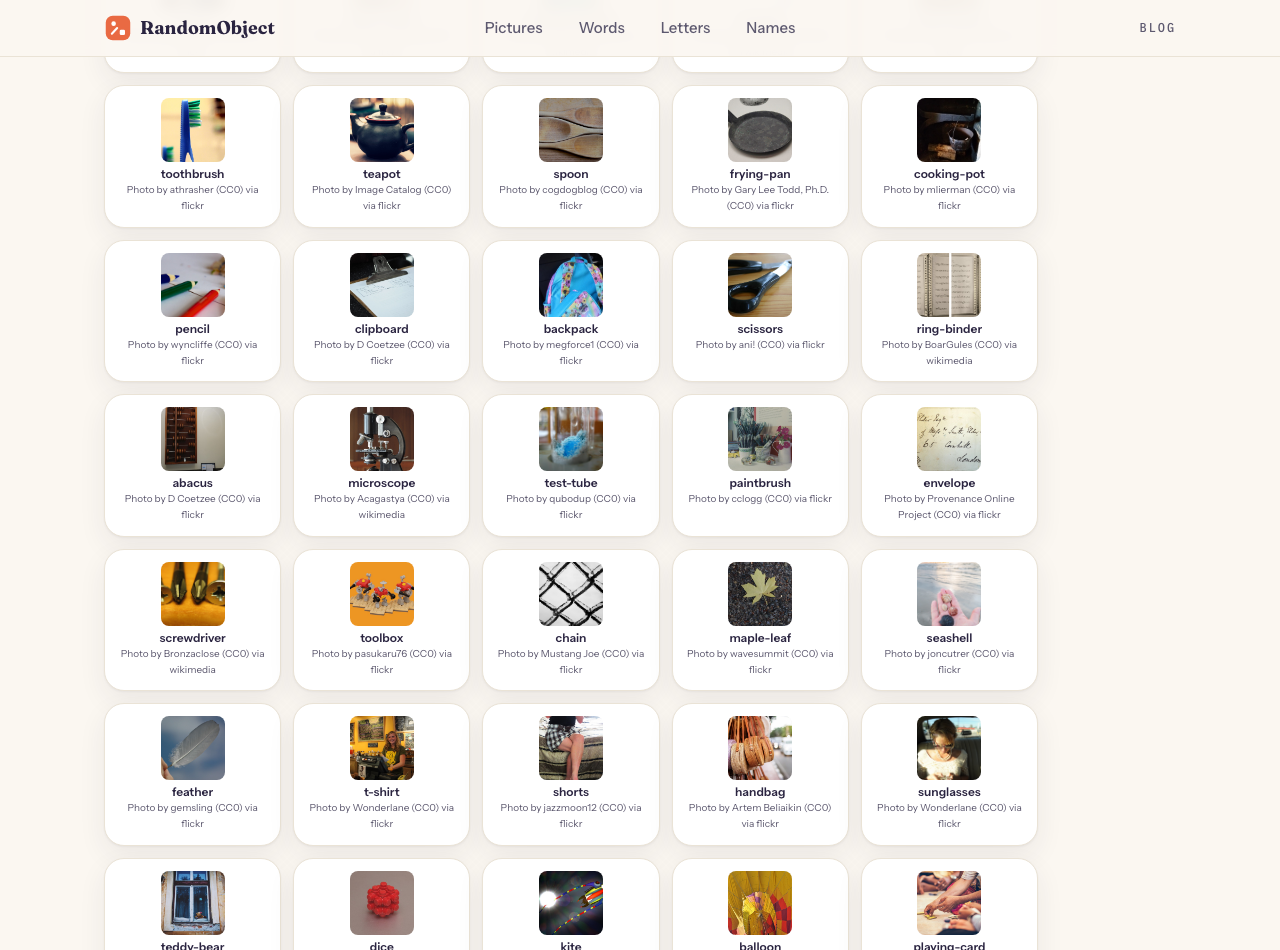
- Verified photos enter the pictures generator; every photo keeps its creator and license on the credits page.
- Unverified objects stay word cards. No AI filler, ever.
The credits wall is the receipt — every photograph in the pool, with its creator and license on the record:
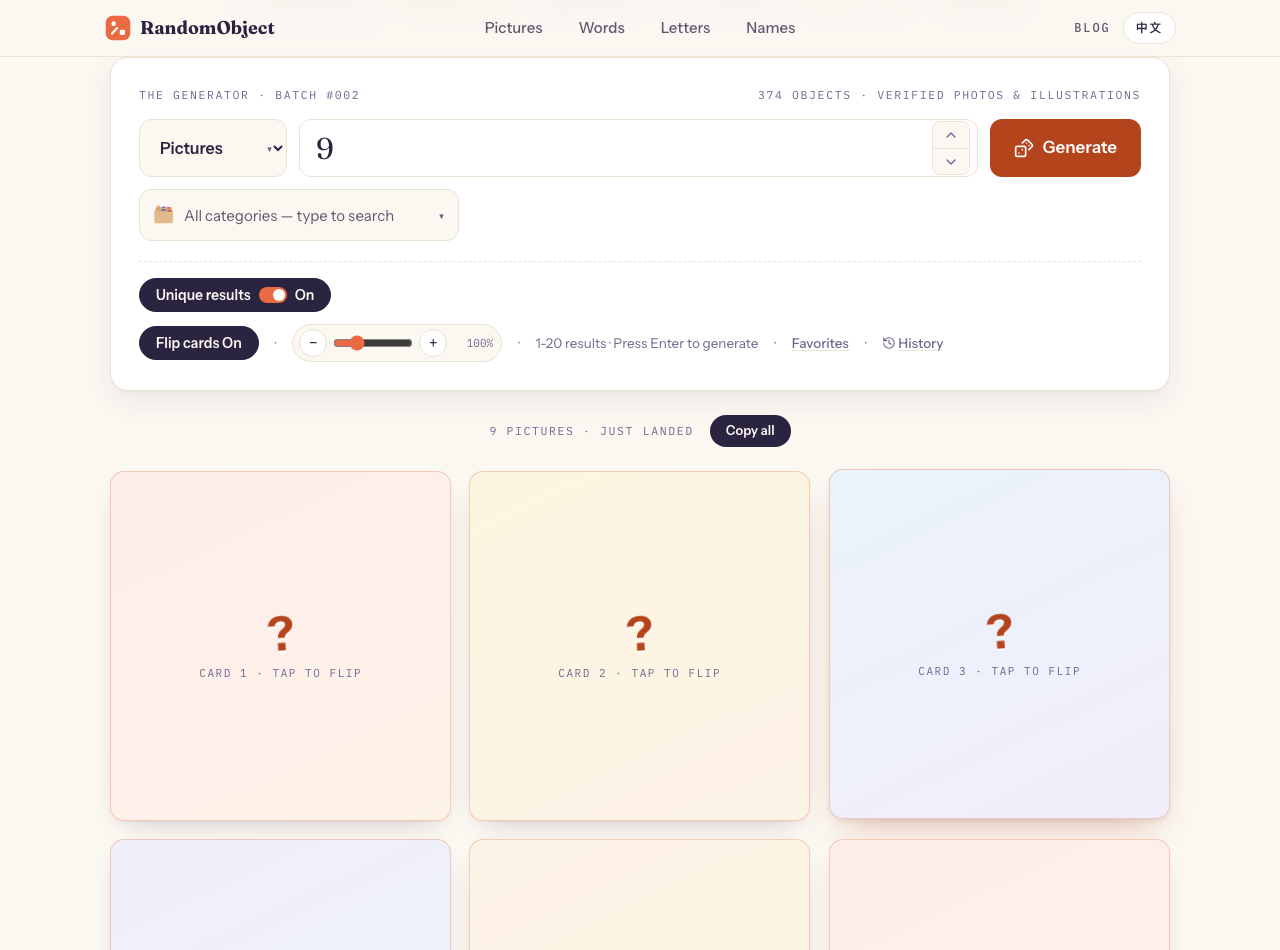
For classroom guessing games, turn on flip-card mode — every card starts face-down and reveals the photograph on click:
Generator Settings
- Pictures only: the pictures generator never draws unverified objects, so every image is a real photograph or an original project illustration.
- Category filter: narrow the pool to one category (food, instruments, household) with the category picker.
- Flip cards: on for guessing games, off for drawing references — you want the photo visible from the start.
- Printables: the browser print path excludes any photo without print-safe licensing; see the flashcard printing guide.
Common Questions
Are AI-generated images bad? No — they are the wrong default when an image must be true to a real object. For fantasy prompts and abstract inspiration they are excellent. This site's choice is about verification and licensing, not aesthetics.
Why does the pool have fewer items than the word list? Because pictures are gated by human verification instead of filled automatically. The full object list is 374 items; photos join the picture pool as each passes review.
Can I use these photos in my own materials? Each photo carries its own CC0 or public-domain license, listed with its creator on the credits page — CC0 and PD allow reuse, including printing. Check the specific license entry for the photo you use.
The Point
AI images synthesize; photographs testify. For mood boards, synthesize away. But when the picture has to be something — a reference to copy, a word to learn, a card to print — a verified photo of a real object is the tool that cannot quietly lie.
Related reading
- Random objects list — the full 374-item pool behind the generator
- Flip-card classroom games — the guess-first games this article's mode supports
- Random object drawing practice — what to do with a verified reference